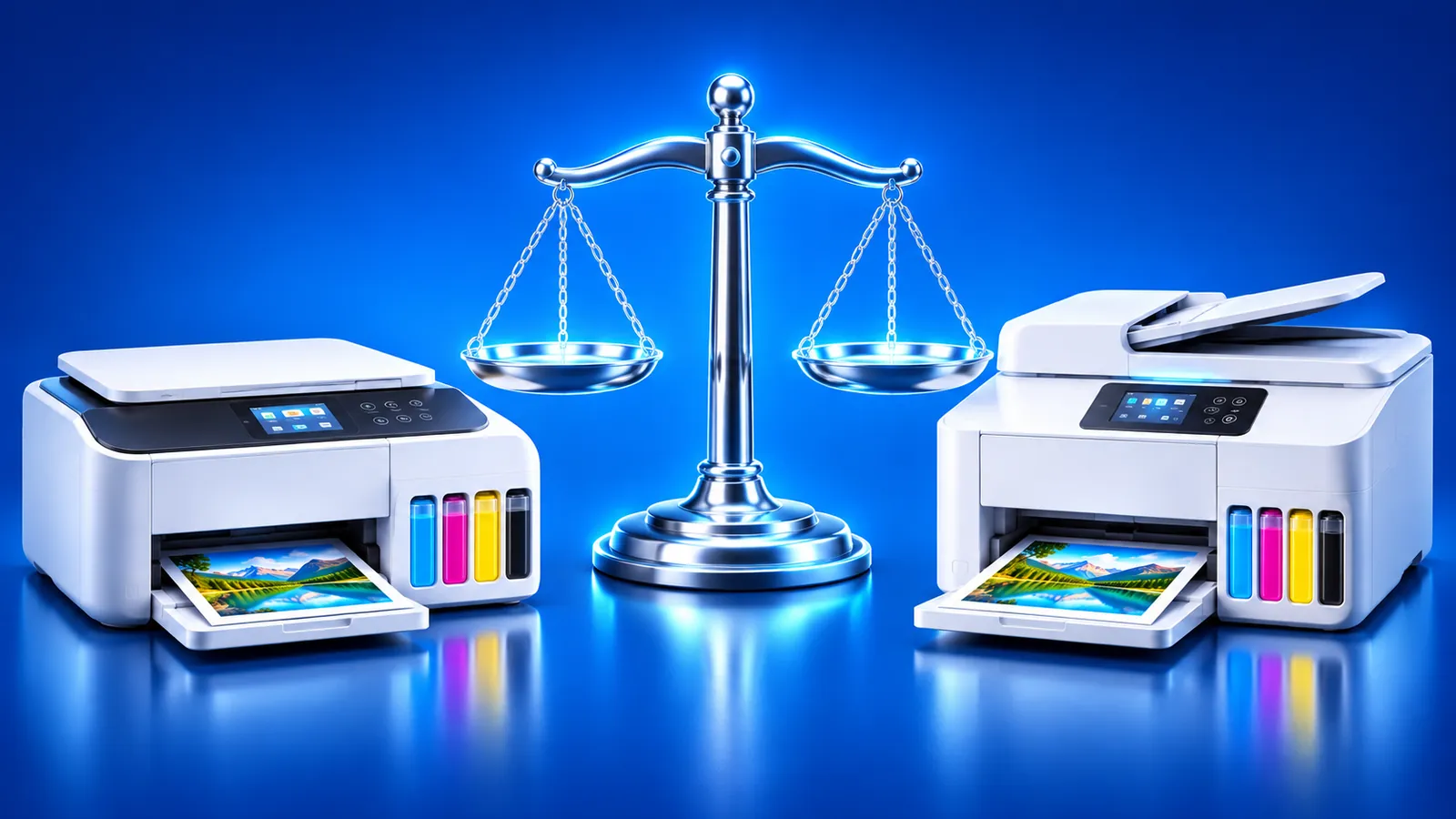
HP Smart Tank vs Epson EcoTank: Which Ink Tank Printer?
 By the Smart Printer team · Updated · 4 min read
Short answer
HP Smart Tank and Epson EcoTank printers both refill from ink bottles, and both makers claim up to 3 years of ink in the box. HP bases its figure on about 167 to 200 pages per month. They differ mainly in bottle design and the companion app. Check the exact model on HP's or Epson's site before you buy.
Contents
What HP Smart Tank and Epson EcoTank have in common
Both are inkjet lines with built-in ink tanks. You refill them from bottles, so there are no cartridges to replace. Both makers ship the printer with a starter supply of ink and pitch it for people who print often or in volume.
- Refillable tanks filled from color-matched bottles.
- Wireless printing from phones and computers.
- A companion app for setup and ink checks at no cost.
- Printers sold across a range of models, from basic home units to photo and office versions.
HP Smart Tank vs Epson EcoTank: key differences
The table lists what each maker states on its own site. Details change by model, so use it as a starting point.
| HP Smart Tank | Epson EcoTank | |
|---|---|---|
| Ink type | Tank printer with ink bottles | Supertank printer with ink bottles |
| Refilling | HP describes a no-spill bottle system; bottle caps differ by model series | EcoFit bottles are keyed so each color fits only its own tank |
| Ink in the box | HP states up to 3 years of ink for the models it lists | Epson states up to 3 years for most users |
| App | The HP app (formerly HP Smart) for phones, tablets, Windows and Mac | Epson Smart Panel for iOS and Android |
| Phone printing | The HP app; AirPrint and Mopria vary by model | Apple AirPrint is listed on current models, plus the Smart Panel app |
| Cost per page | Varies by model and bottle; see HP's listings | Varies by model and bottle; see Epson's listings |
Ink, refills and cost
Both makers say the included ink lasts up to 3 years, based on their own usage assumptions. HP bases its figure on about 167 to 200 pages per month, depending on the model. Treat these as the makers' own estimates for typical use. HP explains the design in What Is a Tank Printer?.
Bottle numbers change by model, so match the label on your bottle or the printer's front door before you order. Our comparison leaves out cost-per-page numbers, because they differ by model and shift over time. Epson describes its range on its EcoTank page.
Apps and printing from your phone
HP's app, which replaced HP Smart, prints and checks ink levels, and HP says it alerts you when it's time to refill. Epson Smart Panel covers printing and ink monitoring. Many models in both lines also work with AirPrint on an iPhone.
How to choose between them
- Decide what you print most: documents, photos or both. Look at the photo and office versions in each line.
- Open the exact model on HP's or Epson's site and note the ink included, the bottle type and the wireless features.
- Check which phone options the model lists: AirPrint, Mopria and the maker's app.
- Compare the replacement bottle prices and listed page yields on the maker's page for that model.
- Print a test page after setup to confirm every color prints. Our printer test page does that.
Buying an AirPrint printer?
If you mainly print from an iPhone, see which models work with Apple's built-in printing in our AirPrint printers guide. When AirPrint won't cooperate, the print without AirPrint guide shows another way. Apple's About AirPrint page explains how to check a model.
What to remember
- Both lines use refillable ink tanks filled from bottles.
- Both makers claim up to 3 years of ink in the box.
- Specs and bottle prices vary by model, so check the exact printer.
- Either printer can print from an iPhone over Wi-Fi.