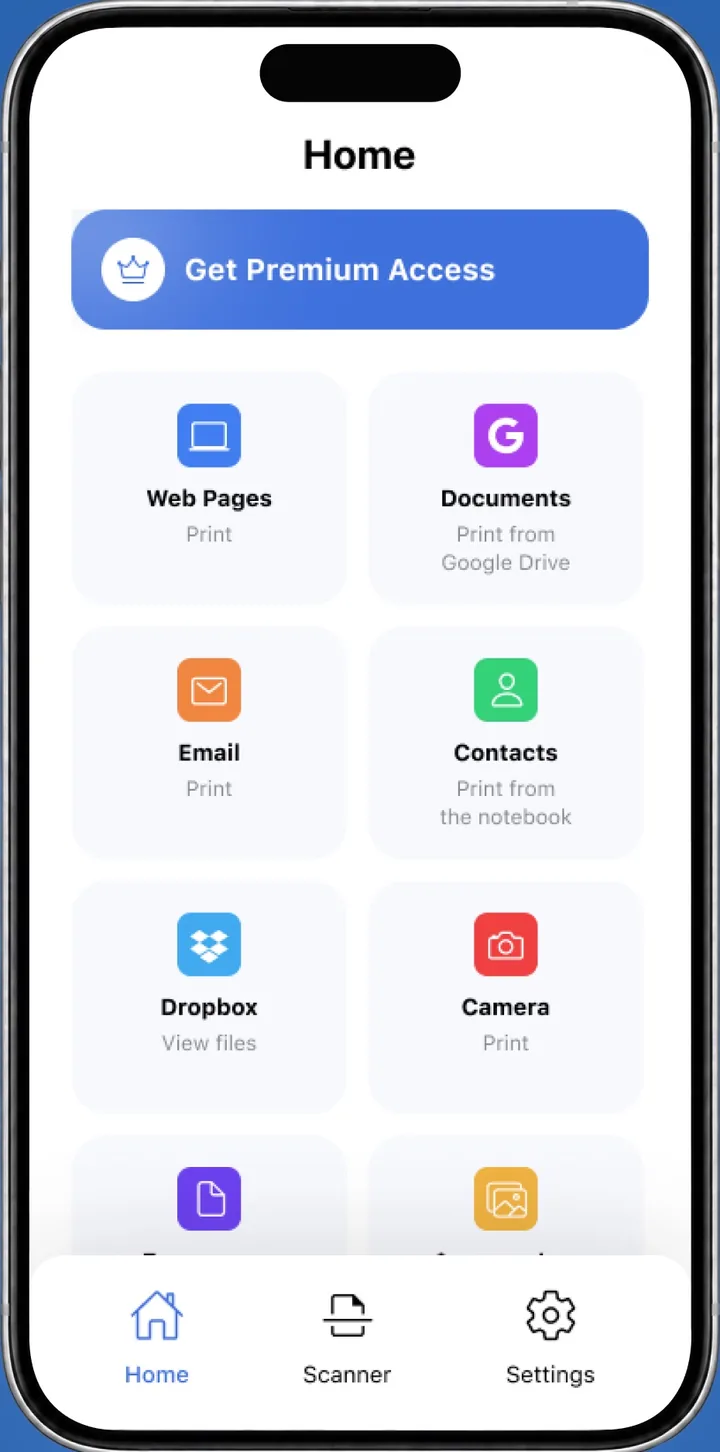
Where to Print Photos From Phone: Home, Stores and Libraries
 By the Smart Printer team · Updated · 3 min read
Short answer
Print photos from a phone at CVS, Walgreens or Walmart: upload online, then pick up in store. For documents, Staples, FedEx Office and The UPS Store take files sent from a phone. Walmart lists 1-hour pickup on some items. Many public libraries print too. A home printer is quickest for 4x6 or 5x7 photos if you own one.
Contents
Print at home from your phone
If you own a Wi-Fi printer, home is the quickest place to print. An iPhone prints to AirPrint printers through Share > Print, and a printing app can handle exact photo sizes like 4x6 and 5x7. Apple describes the built-in route in Use AirPrint to print from your iPhone or iPad.
Printer not found? Our connect printer to phone guide walks through it.
Where can I print a document from my phone?
Several chains accept files from a phone, and you pick up the pages in store. Details change by location, so check your store's page for hours and file types.
Print shops and stores compared
Prices and turnaround vary by store and product, so confirm them on the retailer's own page before you order.
| Service | Best for | How to send your file |
|---|---|---|
| CVS | Photo prints | Order online and pick up in store |
| Walgreens | Photo prints | Upload from your phone and choose same-day pickup |
| Walmart | Photo prints | Upload photos to Walmart Photo and choose a pickup option |
| Staples | Documents and copies | Upload files online, then collect the pages in store |
| FedEx Office | Documents | Send files online, then pick up the pages |
| The UPS Store | Documents | Upload online, or ask your store to take the file by email or USB drive |
| Public library | Occasional pages | Ask your branch: many accept email or a flash drive |
Where to print photos from phone: photo prints
Walgreens says you can upload photos from your phone, tablet or computer, and it lists same-day pickup. Walmart Photo accepts uploads from a phone too, with one-hour and same-day options for some items. Sign in to your Walmart account to save your uploads. See the Walgreens Photo app page and the Walmart same-day photo page.
CVS also sells photo prints that you order online and collect in store. For exact 4x6 or 5x7 prints at home, see our print photos from iPhone guide.
Print documents from your phone at a shop
Staples and FedEx Office let you send files online and pick up the printed pages at a nearby store. A PDF keeps fonts and layout intact, so convert documents before you upload. The UPS Store takes uploads online, and many locations accept files by email or USB drive. FedEx explains the process on its document printing page.
How to send the file from your phone
- Save the photo or document where you can find it: Photos, Files, Google Drive or Dropbox.
- Convert a document to PDF if the shop asks for it. A PDF keeps fonts and layout.
- Upload the file in the store's app or on its website, or email it to the shop's print address if it has one.
- Choose size, color and copies, then pick the store for pickup.
- Bring your order confirmation when you collect the pages.
Libraries and other places
Many public libraries offer printing for a small fee, and some accept files by email or a USB flash drive. Ask your branch or look at its website before you go, since rules differ. For a quick page, a library can be the cheapest stop.
What to remember
- With a Wi-Fi printer at home, your phone prints without a trip.
- CVS, Walgreens and Walmart are the usual stops for photo prints.
- Staples, FedEx Office and The UPS Store take uploaded documents.
- Confirm prices and pickup times on the store's own page.