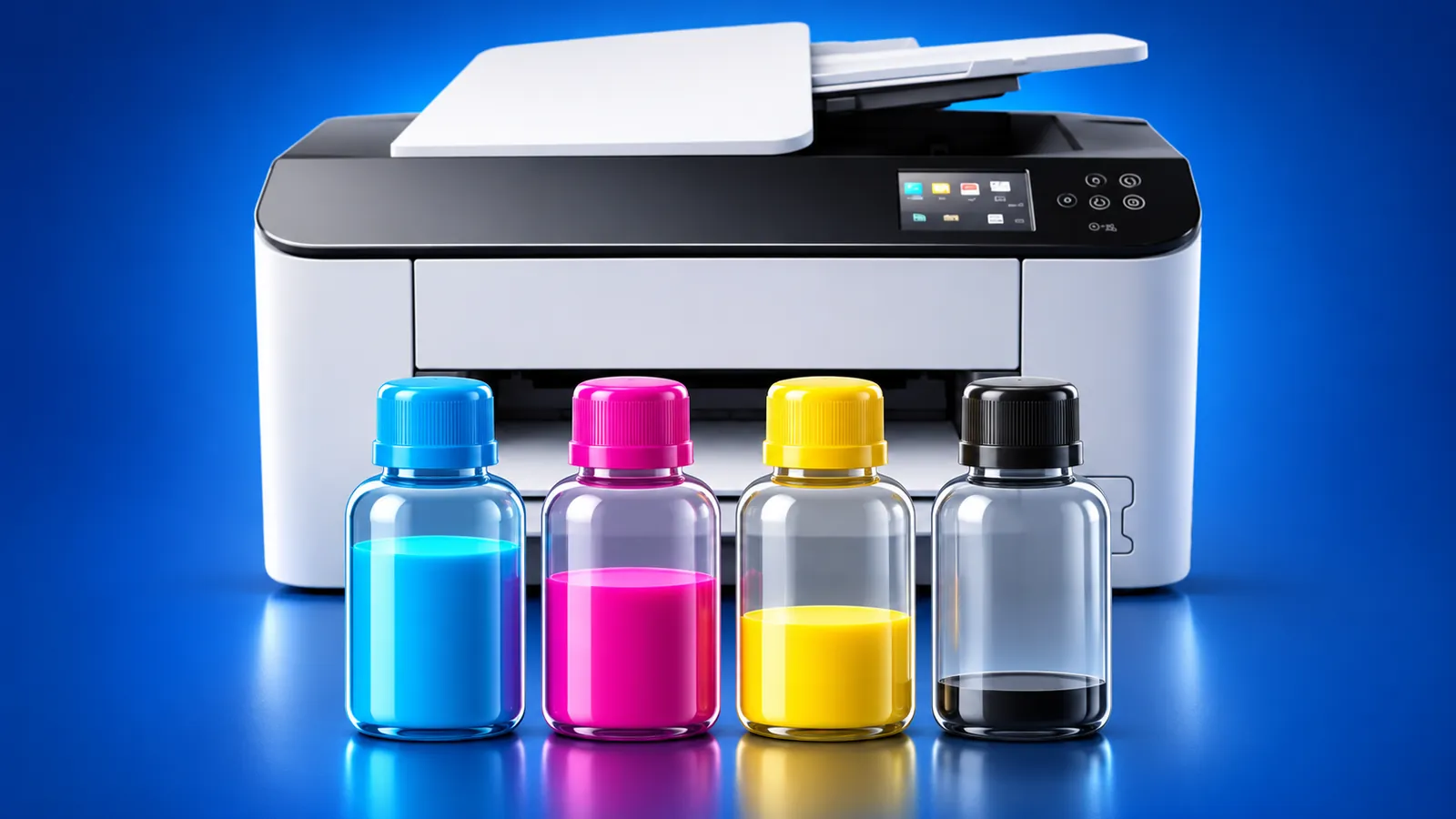
Printer Ink Levels: How to Check Them on Canon, Brother, HP and Epson
 By the Smart Printer team · Updated · 4 min read
Short answer
To check printer ink levels, open the status screen on the printer's panel, in the maker's app or in its Windows or Mac software. The steps below cover 4 makers: Canon, Brother, HP and Epson. All show estimates. A toner low message means the cartridge is nearly done, and you can still print. Order 1 replacement now.
Contents
- What printer ink levels really tell you
- Canon: how to check ink levels on a Canon printer
- Brother: how to check ink levels on a Brother printer
- HP: ink or toner levels in the app and on your computer
- Epson: checking ink on EcoTank and cartridge models
- What does toner low mean?
- Where to look, by maker
- Ink level questions
What printer ink levels really tell you
Printer ink levels on screen are estimates. The printer tracks pages and ink use, then calculates how much is left. Canon, HP and Epson all say the same in their help pages.
Treat the reading as a warning. If the printer prints faint pages, check the cartridge or run a nozzle check before you buy a new one.
Canon: how to check ink levels on a Canon printer
Canon shows ink levels on the printer's screen and in its driver software. Menu names vary by model, so match them to your screen. Canon's ink status guide for the TS6520 shows one example.
- On a model with a screen, open Setup or the HOME screen and select Ink information or Estimated ink levels. The path depends on the model.
- On Windows, open the printer driver settings, go to the Maintenance tab and click View Printer Status. Canon IJ Status Monitor shows the estimated ink levels.
- Some models add an Ink Details button. A notification icon above the ink image means a tank is low or out of ink.
- On a Mac, most newer Canon models use the AirPrint driver. Open Printer Info in the Print dialog and choose Supply Levels, or open the printer's Remote UI.
With Canon's own Mac driver, Canon IJ Printer Utility shows Ink Level Information instead. Canon labels all of these levels as estimates.
Brother: how to check ink levels on a Brother printer
For an inkjet Brother, use the panel or the Brother software on your computer. The exact keys depend on the model.
- On the machine, press the Ink key, select Ink Volume and press OK. Press Stop/Exit when done.
- On touchscreen models, tap Ink, then Ink Volume. Some models put it under Settings > General Setup > Maintenance > Ink Volume.
- On Windows, double-click the Status Monitor icon in the system tray, or open Brother Utilities > Tools > Status Monitor.
- On a Mac, open Printers & Scanners, select the printer and click Options & Supplies > Utility > Open Printer Utility.
For a Brother laser printer, press Menu, choose Machine Info., then Parts Life, then Toner. On touchscreens the path is Settings > All Settings > Machine Info. > Parts Life > Toner Life.
HP: ink or toner levels in the app and on your computer
HP shows estimated supply levels in several places. Use the one that fits your device.
- Open the HP app, which replaced HP Smart, select your printer and read the Estimated supply levels next to the printer image.
- On Windows, open HP Printer Assistant and check Estimated Levels.
- On Mac, open Printers & Scanners, select the printer, choose Options & Supplies and open the Supply Levels tab.
- On a printer with an ink tank, check the tank window. HP states that levels in its software are estimates based on usage.
Epson: checking ink on EcoTank and cartridge models
On an EcoTank, the printer estimates the level, so Epson recommends looking at the tanks regularly. Look through the tank window and compare the ink with the upper and lower lines. Epson explains the method in its Check Ink Levels page.
On Windows, double-click the printer icon in the taskbar, or open Printing Preferences > Maintenance (or Utility) > Status Monitor 3. On a Mac, open Options & Supplies > Utility > Open Printer Utility, then select EPSON Status Monitor.
What does toner low mean?
A toner low message appears on laser printers when the toner cartridge is near the end of its life. Brother says you can keep printing and should order a replacement now. A Replace Toner message comes later and stops printing, unless the model has Continue Mode turned on. Brother describes the setting in What is Toner Continue Mode?.
Where to look, by maker
- CanonSetup or HOME screen, ink information
Maintenance tab, View Printer Status
Print dialog, Printer Info, Supply Levels
- BrotherInk key, Ink Volume
Status Monitor
Options & Supplies, Open Printer Utility
- HPControl panel on many models
HP Printer Assistant, Estimated Levels
Options & Supplies, Supply Levels
- EpsonTank window on EcoTank
Taskbar icon or Status Monitor 3
Options & Supplies, EPSON Status Monitor
What to remember
- Every maker shows ink and toner as estimates, so no reading is exact.
- Canon shows levels under View Printer Status on Windows.
- Brother uses the Ink key on the printer, or Status Monitor on a computer.
- A toner low message means the cartridge is nearly done and you can still print.