What Is Mobile Printing? Print From Your Phone or Tablet
 By the Smart Printer team · Updated · 3 min read
Short answer
Mobile printing means sending a document or photo from a phone or tablet to a printer without a computer. There are 4 main ways: Apple AirPrint on iPhone and iPad, Mopria on Android, the printer maker's app and third-party apps like Smart Printer. Smart Printer prints 4x6 and 5x7 photos. Most ways need one Wi-Fi network.
Contents
How mobile printing works
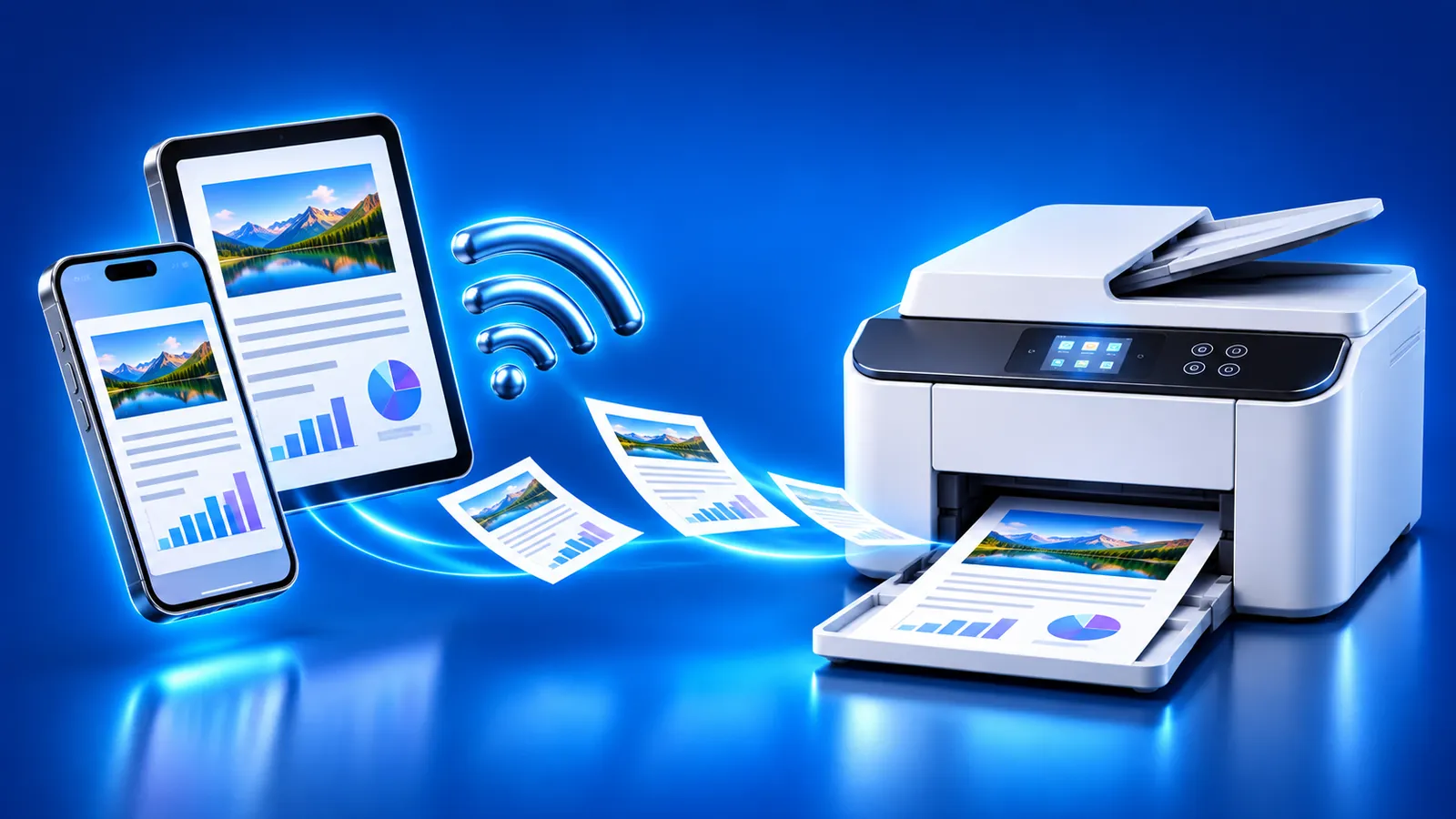
Your phone discovers a printer on the local network, sends the file to it, and the printer prints. Nothing has to pass through a computer. Some methods also work over the internet, such as emailing a file to the printer's own address.
Types of mobile printing
- AirPrintiPhone and iPad
Apple's built-in printing. Choose Print from the share menu and pick a compatible printer.
- Mopria Print ServiceAndroid
A standard that prints to Mopria-certified printers from different brands, found on the local network.
- Maker appsiPhone and Android
Apps such as the HP app or Epson Smart Panel, tied to that brand's printers.
- Third-party appsiPhone and iPad
Apps like Smart Printer that find many printer brands and add features such as scanning.
AirPrint and Mopria
AirPrint is built into iOS, so there is nothing to install. It only works with printers that support it, and both devices must be on the same Wi-Fi network. Apple explains it in Use AirPrint to print from your iPhone or iPad.
Mopria is the Android counterpart. Many Android phones include the Mopria Print Service already, and Google Play carries it if yours doesn't. It finds printers on the local network, so it won't work over a public hotspot or mobile data. Mopria describes it on its Mobile Printing page.
HP mobile printing: the HP app and HP ePrint
HP recommends its HP app, which replaced HP Smart, for HP printers. It sets up the printer, prints from your phone and manages the printer from anywhere. Some models support Print Anywhere in the app. HP lists every option in Mobile printing solutions for HP printers.
HP ePrint is the email route: HP describes it as a cloud service where you email a document or photo to the printer's own address. For many HP printers, you get that address with a free HP account. Supported options depend on the model and country, so check HP's support table.
Smart Printer on iPhone and iPad
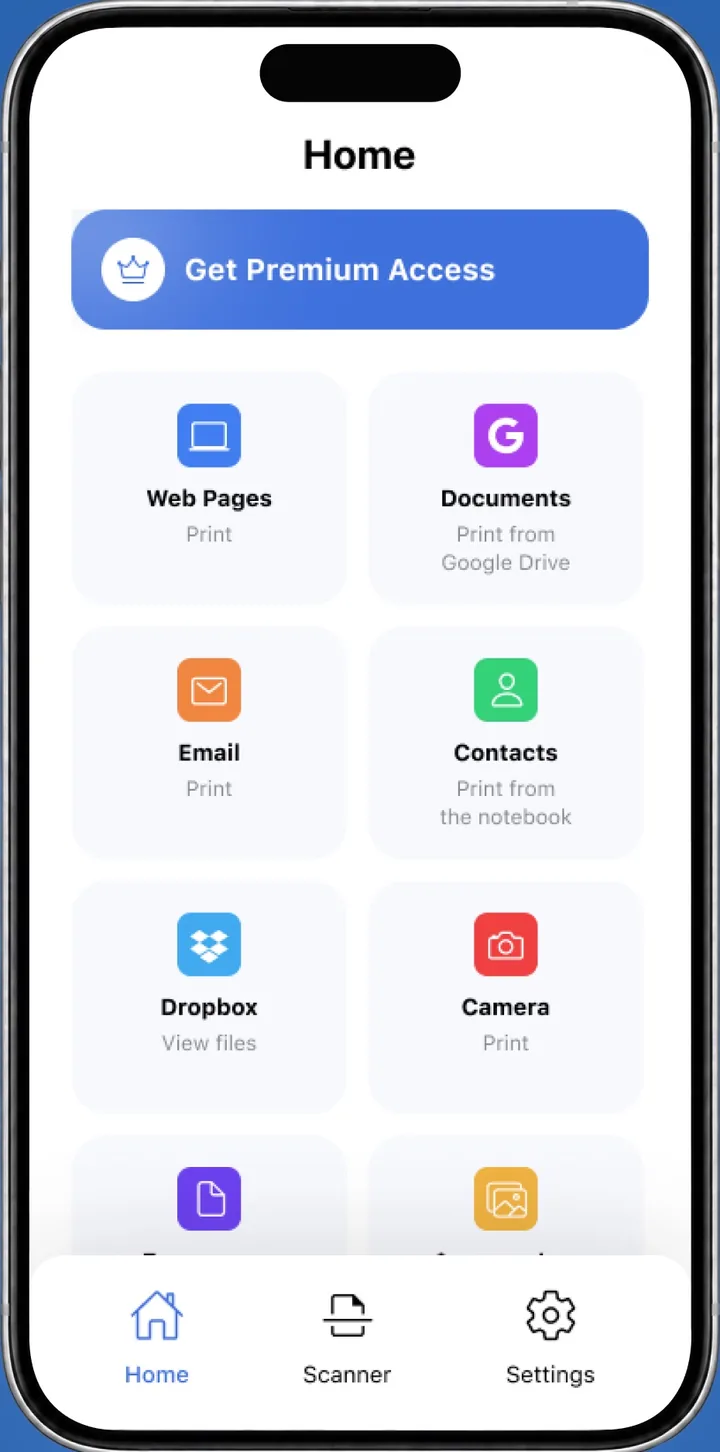
Smart Printer is a third-party printing app for iPhone and iPad. It finds your printer on the network, works with HP, Canon, Epson, Brother and thousands of other models, and needs no drivers.
It prints photos, PDFs, files from Files, Google Drive and Dropbox, web pages and email attachments. A printer assistant helps when the printer goes offline or prints blank pages. Our guide on how to print from iPad shows the steps.
How to set up mobile printing
- Connect the printer to your Wi-Fi network.
- Join the same network with your phone or tablet. Turn off VPN for the test.
- Open the file, tap Share or Print, and pick your printer, or open your printing app.
- Choose paper size, copies and color, then print.
If your printer doesn't appear, see our AirPrint not working guide.
What to remember
- Mobile printing sends files from a phone or tablet to a printer, usually over Wi-Fi.
- AirPrint covers iPhone and iPad, and Mopria covers Android.
- HP printers also work with the HP app and HP ePrint email printing.
- A third-party app like Smart Printer helps when AirPrint doesn't find the printer.