Receipt Maker: Free Receipt Generator
Enter the sale, pick the paper and print. Make a full-page receipt or one sized for an 80 or 58 mm roll.
Updated
Receipt
| Item | Qty | Amount |
|---|---|---|
| Item or service | 1 | $40.00 |
- Subtotal
- $40.00
- Tax (8.25%)
- $3.30
- Total
- $43.30
- Paid by cash
- $50.00
- Change
- $6.70
Thank you!
Preview at real size. Save as PDF from the print dialog.
Everything stays in this browser. To get a PDF, choose Save as PDF as the printer.
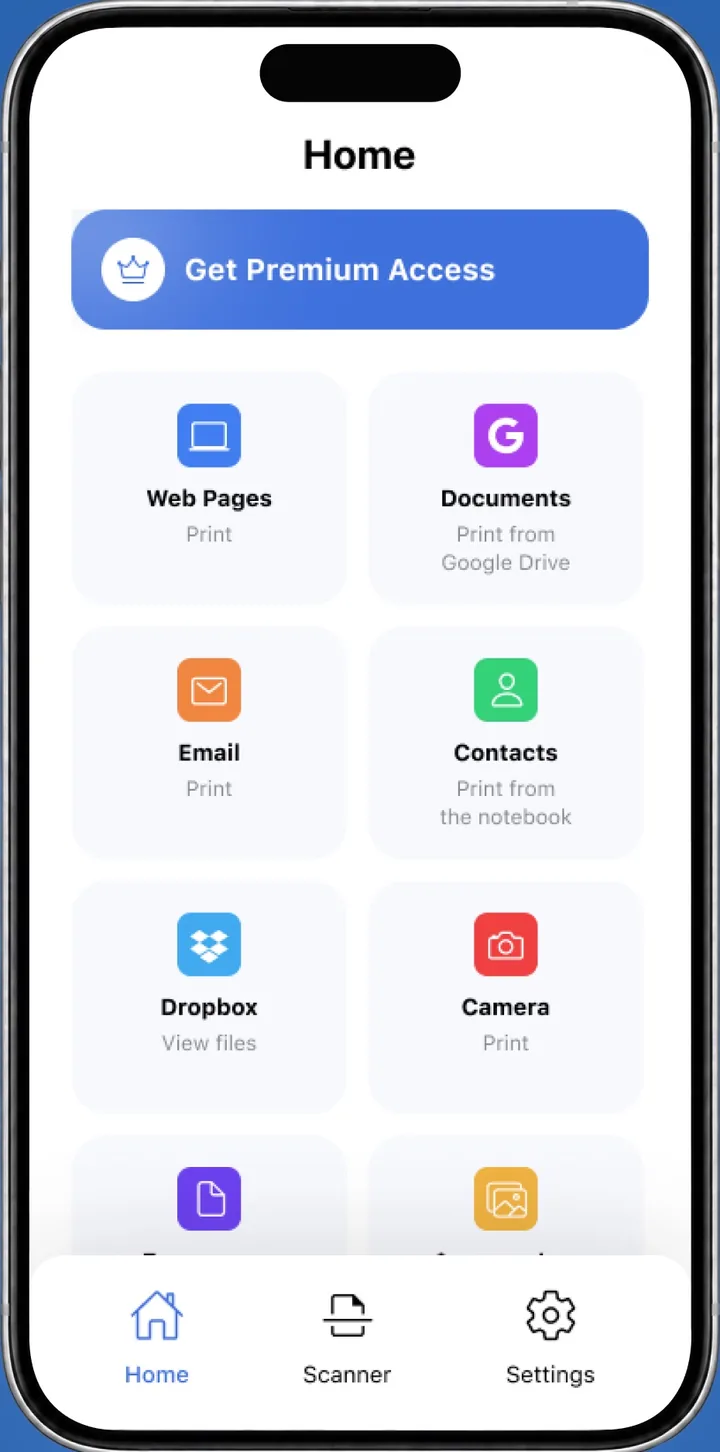
 On your iPhone? Save the receipt as a PDF, then print it with the Smart Printer app.Print receipts from iPhone
A receipt maker turns the details of a sale into a printed proof of payment: business, date, items, tax, total and how the customer paid. Fill in the fields above, choose Full page, 80 mm roll or 58 mm roll, and press Print receipt. For cash, enter the amount received and the change is worked out for you.
How to make a receipt
This receipt generator works in your browser. Nothing is uploaded, and the draft stays on your device.
- Under Paper, choose Full page, 80 mm roll or 58 mm roll.
- Fill in Business with your name, address and phone.
- Add the receipt number, date and time, the customer's name under Received from, and the cashier.
- List the items with a quantity and a price. Add the tax percentage if you charge tax.
- Choose how the customer paid: Cash, Card, Check, Bank transfer or Other.
- Press Print receipt.
Receipt for cash payment
Set Paid by to Cash and type the amount the customer handed over in Cash received. The receipt prints the total, the cash paid and the change.
A receipt for cash payment is often the customer's only record of the sale, so keep the date and a receipt number on it. For a card payment, enter only the last 4 digits of the card.
Print on an 80 mm or 58 mm receipt printer
Thermal receipt printers print on a paper roll, and the two common widths are 80 mm and 58 mm. The sheet here is sized to match, and its length follows the content, so you don't waste paper.
- Choose 80 mm roll or 58 mm roll to match the paper in your printer.
- Press Print receipt to open the print dialog.
- Select your receipt printer. If the dialog lists paper sizes, pick the one for your roll.
- Set Scale to 100% and Margins to None or Default, then press Print.
If the printout is cut off at the sides, check that the roll width on this page matches your printer. Google's Print from Chrome guide covers the print dialog.
Invoice vs receipt
The two documents come at different moments of a sale. A paid invoice shows that the money arrived, but customers and bookkeepers usually expect a separate receipt as proof of payment.
- PurposeAsks the customer to pay.
Confirms the customer paid.
- WhenBefore or at the sale.
After the payment.
- ShowsAmount due, due date, payment terms.
Amount paid, date and how it was paid.
- Make it herePrintable invoice template
This page
A receipt maker app for iPhone
This page works in Safari, so you need no install: fill in the sale and save the receipt as a PDF. To print it, open the PDF in the Smart Printer app. It finds your printer on Wi-Fi and prints without drivers. Apple explains AirPrint on iPhone and iPad.
Receipt maker questions
Do I need an account for this free receipt maker?
No. Create, print and save as many receipts as you need, and your draft stays in this browser.
Can a receipt generator add sales tax?
Yes. Enter the tax rate under Payment, and the receipt adds the tax to the total.
Can I print a receipt for cash payment on a thermal printer?
Yes. Choose the 80 mm or 58 mm roll, set Paid by to Cash and press Print receipt. Then select your thermal printer in the print dialog.
Is an invoice a receipt once the customer has paid?
A paid invoice shows that payment arrived, but it is still an invoice. A receipt is the document made for the payment itself.
Is there a receipt maker app for iPhone?
This page works in Safari on iPhone, so you can make the receipt without an app. Save it as a PDF and print it from the Smart Printer app.
What does a receipt maker app need to show?
The business, date, items, tax, total and how the customer paid. For cash it also shows the amount received and the change.
Print receipts from your iPhone
Smart Printer prints receipts, PDFs and photos from your phone on the printer you already have.
4.0500 ratings on the App Store