Google Docs Invoice Template
Fill in this invoice and print it or save a PDF, or download the .docx file and edit it in Google Docs.
Updated
| Description | Qty | Rate | Amount |
|---|---|---|---|
| Service or product description | 1 | $250.00 | $250.00 |
| Second line item | 2 | $75.00 | $150.00 |
- Subtotal
- $400.00
- Total due
- $400.00
Preview at real size. Save as PDF from the print dialog.
Everything stays in this browser. To get a PDF, choose Save as PDF as the printer.
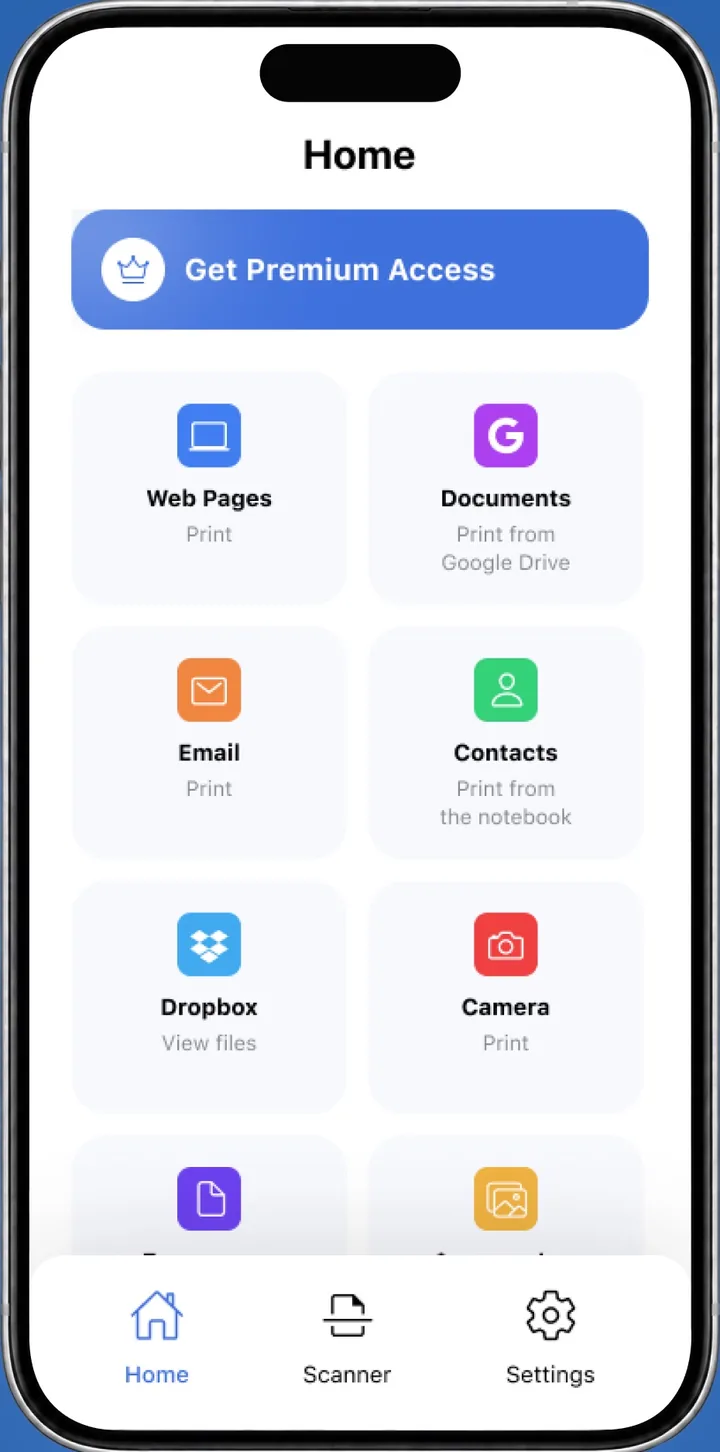
 On your iPhone? Smart Printer prints invoices and PDFs straight from Files and Google Drive.Print from Google Drive
A Google Docs invoice template is an invoice layout you open in Google Docs and edit like any document. Download the .docx file below, upload it to Google Drive with New > File upload, then click Open with Google Docs. Prefer a form? Fill in the invoice above in 3 styles and print it on Letter or A4 paper.
Download the Google Docs invoice template
Download the invoice template as a .docx file. Google Docs opens .docx files and saves your edits back to the same file.
How to open the template in Google Docs
You need a Google account. Then follow these steps:
- Download invoice-template.docx to your computer.
- Go to drive.google.com. At the top left, click New, then File upload, and choose the file.
- Double-click the file in Google Drive. A preview opens.
- At the top, click Open with Google Docs.
- Replace the sample details with your business name, your client, the items and the total.
Docs saves every change to the original .docx file in Drive, as Google explains in Work with Microsoft Office files, so the file works as a Google Drive invoice template you can reuse.
Make a copy for each client
Keep the original clean and work on copies. In Google Drive, right-click the file and select Make a copy. Rename the copy with the client and the invoice number, for example Acme 2026-014, so you can find it later.
Google Docs file or online form: which to use
Both are free. Pick the one that fits how you work, and see the printable invoice template page for a full walkthrough of the online form.
- EditingYou type into the document in Google Docs.
You fill in fields, and the sheet updates as you type.
- TotalsYou enter the amounts yourself.
Subtotal, tax, discount, shipping and total are worked out for you.
- LookOne layout.
Classic, Modern or Minimal, with your accent color and logo.
- OutputA Google Docs file in Drive.
A printed sheet or a PDF from the print dialog. See Google's Print from Chrome guide.
Print the invoice from your phone
Smart Printer opens files from Google Drive on your iPhone, so you can print the invoice without downloading it first. It finds your printer on Wi-Fi and prints without drivers. For other ways to print from a phone, see how to print from your phone.
Google Docs invoice template questions
How do I turn a Google Doc invoice template into a PDF?
In Google Docs, click File, then Download, and choose PDF as the file type. With the online invoice above, pick Save as PDF in the print dialog instead.
Where does a Google Drive invoice template save my changes?
When you open the .docx file with Google Docs, every change saves to the same file in your Google Drive, in its original .docx format.
Is there a free invoice template Google Docs can open?
Yes. The .docx file on this page opens in Google Docs, and the download needs no sign-up. Editing in Docs needs a Google account.
Can I use the invoice template for Google Docs on my phone?
Yes. Open the file from Google Drive on your phone, or fill in the online invoice in your phone's browser.
How do I use an invoice template for Google Docs?
Download the .docx file and upload it to Google Drive. Double-click it, click Open with Google Docs and replace the sample details with your own.
Does a Google Doc invoice template keep the .docx format?
Yes. Google says changes to an Office file opened in Docs are saved to the file in its original Office format.
Print Drive invoices from your iPhone
Smart Printer prints PDFs and files from Google Drive to the printer on your Wi-Fi.
4.0500 ratings on the App Store