Why Can't I Print From My Phone? Fixes for iPhone and Android
 By the Smart Printer team · Updated · 3 min read
Short answer
You usually can't print from your phone because it's on another Wi-Fi network, the printer is asleep or an old job blocks the queue. On iPhone, Smart Printer searches your network, shows whether the printer answers and guides you through the fix. Without the app, unplug the printer for 30 seconds, restart the router, wait 2 minutes and rejoin the Wi-Fi.
Contents
Why can't I print from my phone? The usual causes
From most to least common:
- The phone is on mobile data, a guest network or a VPN, so it cannot see the printer.
- The printer is asleep or lost Wi-Fi after a router restart or a new Wi-Fi password.
- A stuck job is blocking the queue.
- The printer shows its own error: paper jam, open cover or empty ink.
- The app has no print option, or the print service is switched off on Android.
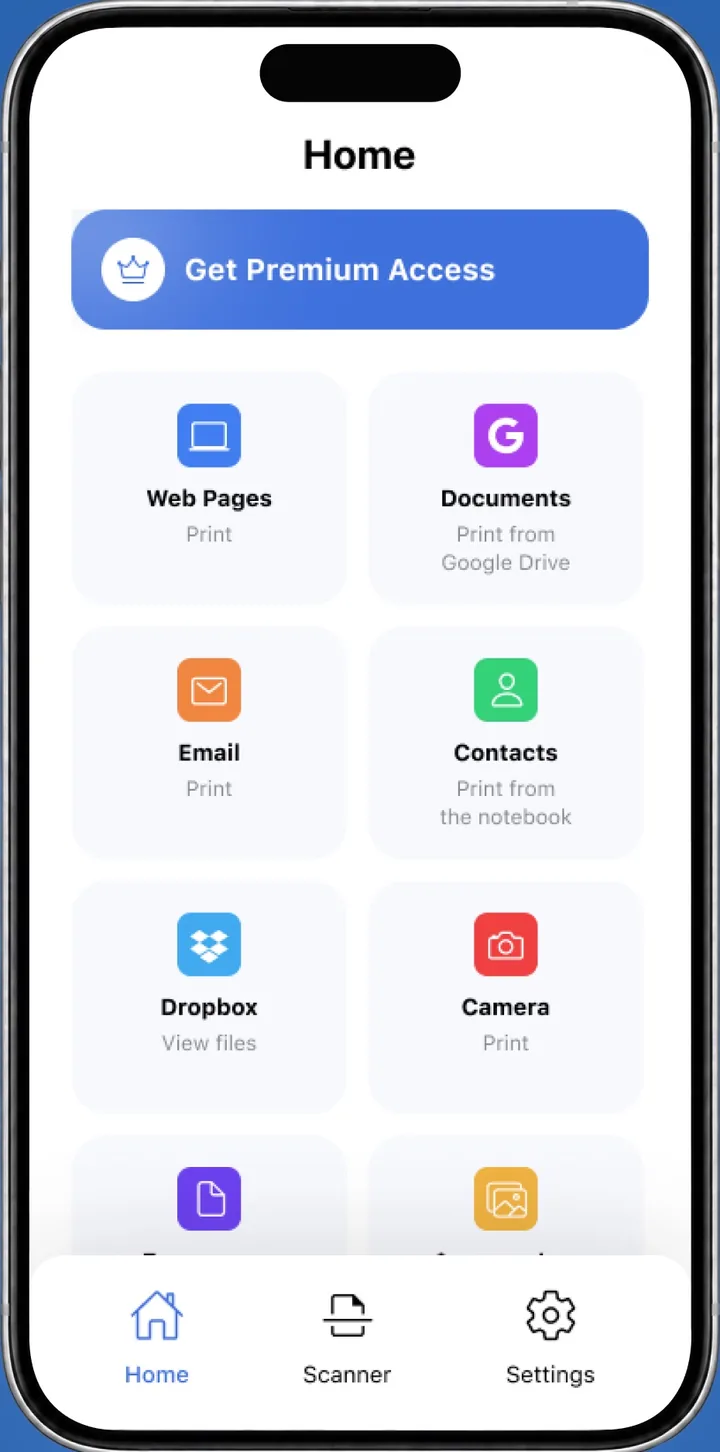
Fastest fix on iPhone: use Smart Printer
When iPhone's built-in menu can't reach the printer, it says No AirPrint Printers Found. Smart Printer searches the network itself and prints without AirPrint settings.
- Open Smart Printer and let it search for your printer.
- Tap the printer. If it does not answer, describe the problem to the printer assistant in plain words.
- Follow its steps, then print a test page in one tap.
Want to fix it in settings instead? Use the checks below.
Checks that fix most phones
- Turn on the printer and look at its screen. Clear any paper jam or ink warning.
- Put the phone on the same Wi-Fi network as the printer. Turn off VPN and Low Data Mode.
- Restart the printer. Unplug it for 30 seconds, then wait for the Wi-Fi light to stop blinking.
- Restart the router and wait two minutes.
- Try again from a different app to rule out one app.
iPhone: AirPrint settings
Open the app, tap Share or Actions, scroll down and tap Print. Tap No Printer Selected and pick your printer. Apple says the printer must support AirPrint and share the iPhone's Wi-Fi network. Apple explains the same requirements in Use AirPrint to print from your iPhone or iPad.
If the printer is missing, read AirPrint not working or how to print without AirPrint.
Android: print service settings
Open Settings > Connected devices > Connection preferences > Printing and make sure a print service is on. To add one, tap Add service, or install Mopria Print Service or your printer maker's app from Google Play. Menu names differ by phone maker and Android version. Mopria describes the service on its Print From Android page.
Why is my printer busy?
A busy message means the printer is still working on something or waiting on a job that never finished.
- A job is stuck. On iPhone, open the App Switcher, tap Print Center, select the job and tap Cancel Printing. On Android, open the print notification and cancel the job.
- Another phone or computer is sending a job at the same time.
- The printer is warming up, cleaning its heads or processing a large file. Wait two minutes.
- It is waiting for paper or ink and shows a message on its screen.
- A restart clears what is left: turn the printer off, wait 30 seconds and turn it on.
Still not printing?
Check the status message on the printer. Offline is covered in our printer offline guide, and blank sheets in printer printing blank pages.
What to remember
- Most failures come from the phone being on a different network than the printer.
- Smart Printer searches the network and guides you when the printer will not answer.
- Cancel stuck jobs and restart the printer to clear a busy message.
- Android needs a print service turned on under Printing.