AirPrint Printers: What AirPrint Is and How to Check Yours
 By the Smart Printer team · Updated · 3 min read
Short answer
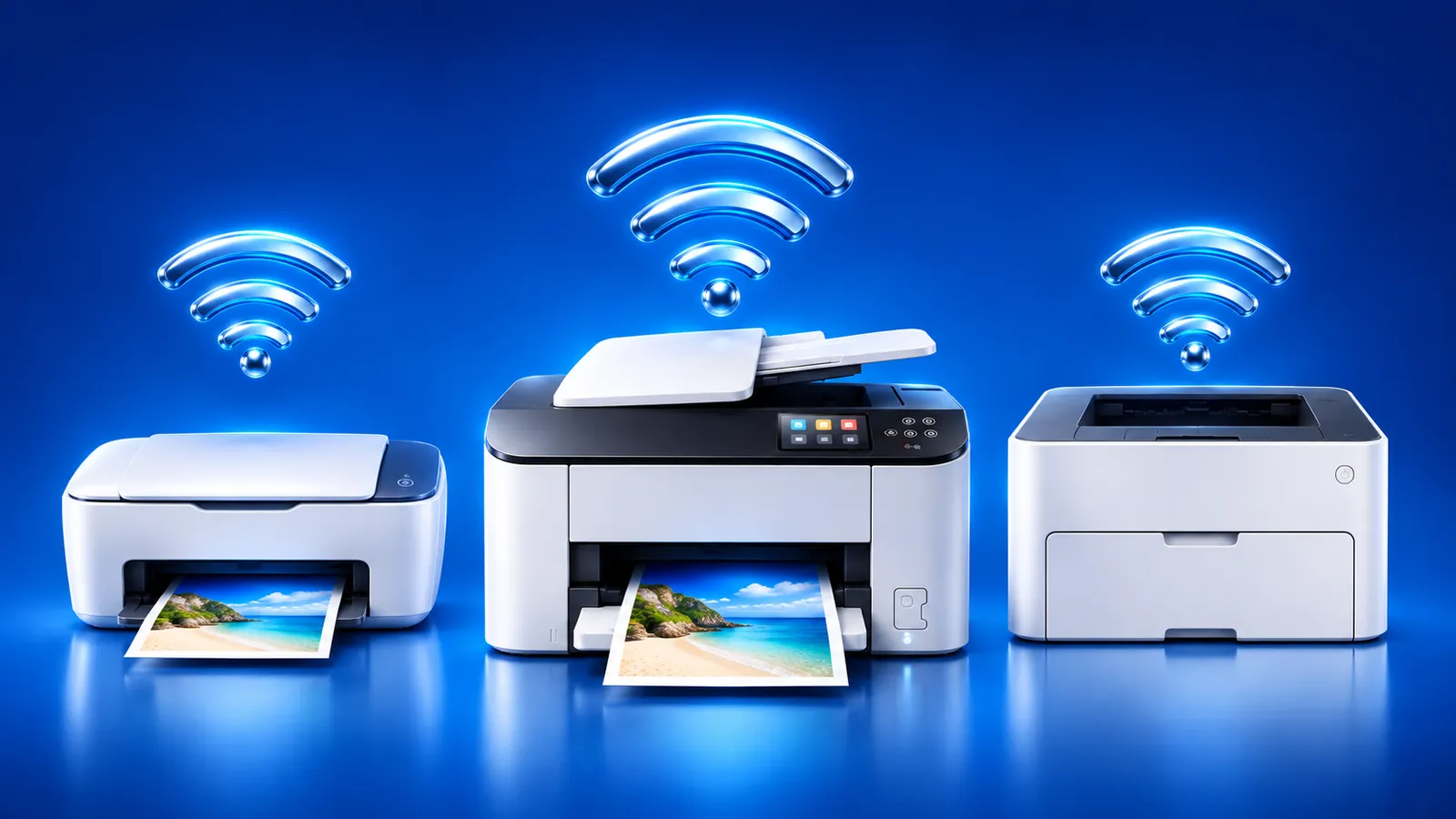
AirPrint printers talk to an iPhone or iPad over Wi-Fi with no driver or app to install. To check yours, use 1 of 4 quick checks. Look for the AirPrint logo on the box, search Apple's list, open the printer's menu or test through Share > Print. If your printer isn't AirPrint compatible, Smart Printer still prints to it.
Contents
- What is AirPrint?
- What's an AirPrint printer?
- AirPrint compatible printers: how to check yours
- AirPrint enabled printer: what you need
- AirPrint print server: can it add support to an old printer?
- AirPrint or Smart Printer: what changes?
- No AirPrint? Print from your iPhone anyway
- AirPrint printers: questions
What is AirPrint?
AirPrint is Apple's built-in way to print from iPhone, iPad and Mac. The device finds a printer on the network and sends the job to it directly, without drivers.
Apple says AirPrint is built into most popular printer models, including some print servers. It works over Wi-Fi or a wired network, with the phone and the printer on the same network. The details are on Apple's About AirPrint page.
What's an AirPrint printer?
In practice, it's any printer whose maker built AirPrint support in. Its name shows up on your iPhone's Print screen without installing anything. HP, Canon, Epson and Brother all make models with it, but support depends on the model.
AirPrint compatible printers: how to check yours
There are a few quick ways to find out whether a printer is AirPrint compatible:
- Look at the box, the manual or the printer's label for the AirPrint logo.
- Search your brand and model in Apple's AirPrint printer search, linked from Apple's About AirPrint page.
- Open the printer's own menu or settings screen and look for AirPrint in the network settings.
- Still unsure? Try Share > Print on your iPhone. If the printer appears in the list, it works.
AirPrint enabled printer: what you need
- A wireless or Ethernet printer. A USB-only printer can't use AirPrint on iPhone. Apple's AirPrint printing guide says the same.
- The same Wi-Fi network for the printer and your iPhone or iPad.
- AirPrint turned on in the printer's settings, if the maker gives you a switch.
- Up-to-date firmware on the printer.
AirPrint print server: can it add support to an old printer?
An AirPrint print server is a small box that shares a USB printer over the network. Apple says AirPrint is built into some print servers, but printers on an AirPort Base Station's USB port can't use AirPrint. Check the server's model in Apple's AirPrint search before you buy.
AirPrint or Smart Printer: what changes?
Both print from your iPhone over Wi-Fi. The difference is what the printer has to support.
Many people use both: AirPrint for quick jobs from other apps and Smart Printer when the printer is hard to find.
| AirPrint | Smart Printer | |
|---|---|---|
| Printer must support AirPrint | Yes | No |
| Finds the printer on Wi-Fi | Yes | Yes |
| Prints photos, PDFs and files | Yes, from apps with a Print option | Yes, from one place |
| Test page in one tap | Use the printer's own menu | Yes |
| Help when the printer isn't found | Check settings yourself | A printer assistant walks you through it |
No AirPrint? Print from your iPhone anyway
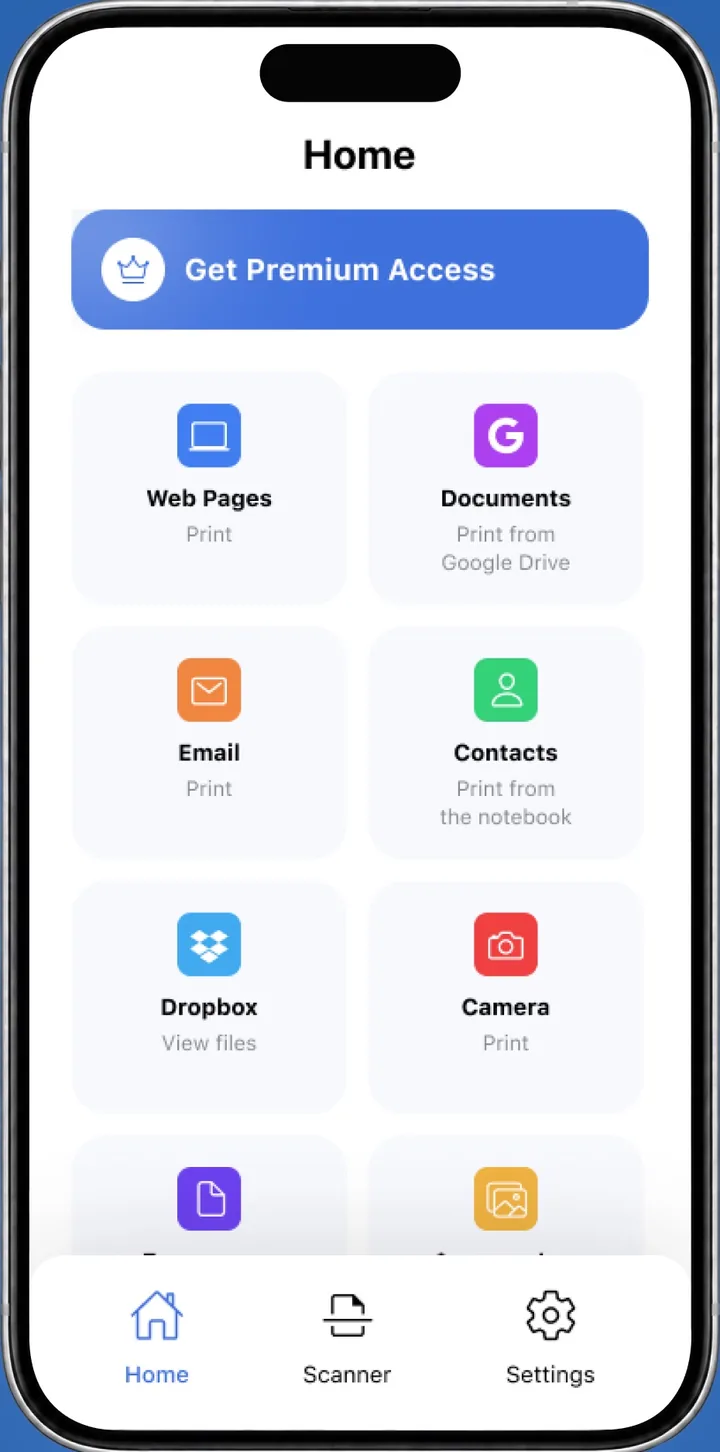
If your printer isn't on the list, you can still print. Smart Printer prints photos, PDFs and files to the printer on your Wi-Fi without AirPrint. Our guide to printing without AirPrint lists other routes.
If the printer supports AirPrint but doesn't appear, see AirPrint not working.
What to remember
- AirPrint prints from iPhone and iPad over Wi-Fi with no driver.
- Check support by the logo, Apple's AirPrint search or the printer menu.
- USB-only printers can't use AirPrint on iPhone.
- Without AirPrint, Smart Printer still prints to the printer.