4x6 Photo Size in Inches, cm and Pixels
Place your photo at exact 4x6 size on Letter, A4 or photo paper, then print it from this page.
Updated
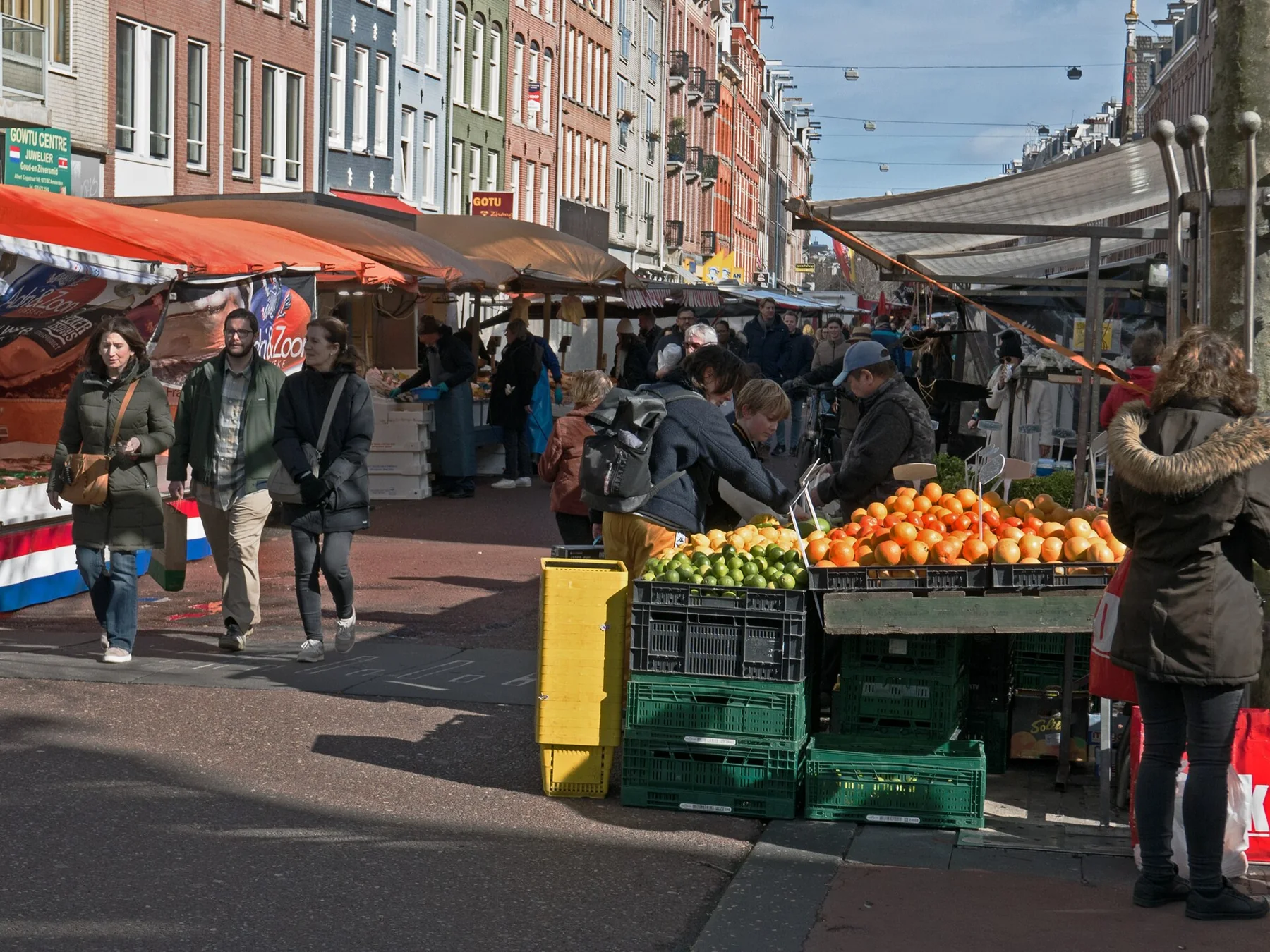
4 x 6 in on Letter 8.5 x 11 in2 copies fit on one sheet · Standard photo print, 10 x 15 cm
Showing a sample photo. Drop yours on the sheet or choose one: it never leaves your device.
In the print dialog set Scale to 100% (Actual size) so the photo prints at exactly 4 x 6 in.
 On your iPhone? Smart Printer prints photos at 4x6, 5x7 or square size on the paper you load.Print 4x6 from iPhone
The 4x6 photo size is 4 x 6 inches, or 10.2 x 15.2 cm, which is 1200 x 1800 pixels at 300 dpi. To print it at exact size from an iPhone, choose 4x6 in Smart Printer. On a computer, use the tool above: Fill crops a 4:3 photo to 2:3, and Fit whole photo adds white bars.
4x6 photo size at a glance
300 dpi is the standard for sharp photo prints. A photo smaller than 1200 x 1800 px still prints, but it can look soft.
| Unit | Width x height |
|---|---|
| Inches | 4 x 6 in |
| Centimeters | 10.2 x 15.2 cm |
| Millimeters | 101.6 x 152.4 mm |
| Pixels at 300 dpi | 1200 x 1800 px |
| Pixels at 600 dpi | 2400 x 3600 px |
| Proportion | 2:3 |
Crop a phone photo for a 4x6 print
A 4x6 print has a 2:3 shape. The iPhone Camera shoots 4:3, 16:9 or square photos, so none of them matches it exactly.
- Fill crops the photo to cover the whole print. With a 4:3 photo, a strip comes off the long sides.
- Fit whole photo keeps everything and leaves white bars at the short ends.
- To choose the crop yourself, open the photo in Photos, tap Edit, then the Crop button, and drag the corners. Apple's guide: Crop, rotate, flip or straighten photos.
Print 4x6 at home on Letter paper
Letter is 8.5 x 11 in, so two 4x6 prints fit on one sheet, turned sideways.
- In the tool above, pick 4 x 6 in under Photo size and Letter under Paper.
- Choose Fill or Fit whole photo, then Fill sheet for two copies or One copy.
- Turn on Cut lines and press Print at 4 x 6 in.
- In the print dialog, set Scale to 100%, then trim along the lines.
Print on 4x6 photo paper
Many home printers take 4x6 paper in a photo tray or a rear slot. Check your printer's manual for which side faces up, since trays differ. In the print dialog, pick 4 x 6 as the paper size and a photo paper type, plus Borderless if your printer offers it.
Print 4x6 from an iPhone
Smart Printer lists 4x6 among its paper sizes. Pick the photo, choose 4x6, set the copies and print. It finds your printer on the network, so you don't install drivers. Apple explains AirPrint on iPhone and iPad.
Questions about 4x6 prints
What is the 4x6 photo size in pixels?
1200 x 1800 pixels at 300 dpi, which gives a sharp print. Most phone photos have far more pixels than that.
Does an iPhone photo fit the 4x6 photo size without cropping?
Only with white bars. The Camera's 4:3, 16:9 and square formats all differ from 2:3, so choose Fill to crop or Fit whole photo to keep it all.
Is the 4x6 photo size the same as 10x15 cm?
Almost. 4x6 is 10.2 x 15.2 cm, so a 10x15 cm print is about 2 mm smaller on each side.
Can I print at the 4x6 photo size on plain paper?
Yes. Print on Letter or A4 and trim along the cut lines. Photo paper gives richer color and comes precut to 4x6.
What is the 4x6 photo size in cm?
4 x 6 inches is 10.2 x 15.2 cm, or 101.6 x 152.4 mm.
Is the 4x6 photo size a 2:3 shape?
Yes. A 4x6 print has a 2:3 proportion, which is why a 4:3 phone photo needs Fill or Fit.
Print 4x6 photos from your iPhone
Smart Printer prints photos at 4x6, 5x7 or square on the paper you have, with copies, scale and margins set in the app.
4.0500 ratings on the App Store