Bill of Sale Template: Free and Printable
Enter the seller, the buyer, the item and the price, then print the bill of sale or save it as a PDF.
Updated
Bill of Sale
On __________, the seller named below sells and transfers to the buyer named below the item described in this bill of sale for the sum of __________, paid by Cash. The seller confirms receipt of this payment.
| Item | |
|---|---|
| Serial or ID no. |
The item is sold as is, with no warranty of any kind, expressed or implied. The seller states that they are the lawful owner and that the item is free of liens and encumbrances.
Preview at real size. Save as PDF from the print dialog.
Everything stays in this browser. To get a PDF, choose Save as PDF as the printer.
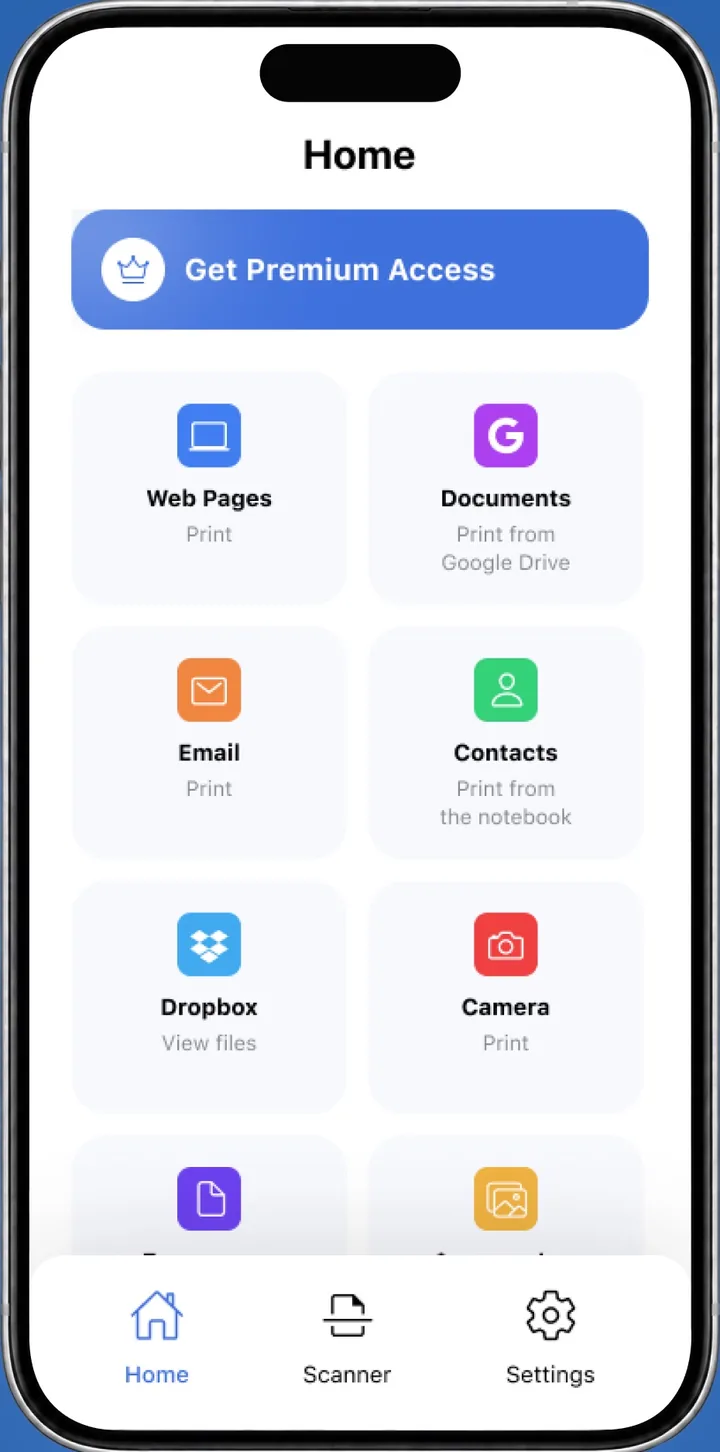
 On your iPhone? Save the bill of sale as a PDF, then print it with the Smart Printer app.Print the form from iPhone
A bill of sale template is a ready form for the written record of a sale. It shows the seller, the buyer, the item, the price and the date. Fill in the fields above, press Print bill of sale, and both people sign the page. Pick Letter (8.5 x 11 in) or A4, or choose Save as PDF.
How to fill in this bill of sale template
The form works for any item, and it has a Vehicle option that adds the car fields.
- Under What is sold, choose Any item or Vehicle, and pick Letter or A4.
- Enter the date of sale, the price, how it was paid, and the state and county.
- Describe the item and add its serial or ID number. For a vehicle, fill in the vehicle fields instead.
- Fill in the seller and the buyer with name, address and phone.
- Leave Sold as is ticked if the item has no warranty, and tick Add a notary block if you need one.
- Press Print bill of sale.
What is a bill of sale?
A bill of sale is a document that records the sale of an item from one person to another. It names both sides, describes what changed hands and states the price. The buyer keeps a copy as proof of purchase, and the seller keeps one as a record of the sale.
What goes on a printable bill of sale
Most forms carry these fields, and so does this printable bill of sale:
- The date of sale, plus the state and county where it took place.
- Seller and buyer: full names, addresses and phone numbers.
- A description of the item, with a serial or ID number if it has one.
- The price and how it was paid, for example cash or check.
- A line saying the item is sold as is, if no warranty is given.
- Signature lines for the seller and the buyer, and an optional notary block.
When to use a bill of sale
People write one whenever something of value changes hands and they want the details on paper.
- Car, truck or motorcycleUse the vehicle bill of sale: VIN, odometer reading and vehicle details.
- Furniture or appliancesA short description, brand, condition and the price.
- Electronics and equipmentMake, model and serial number.
- AnimalsBreed, age, color and any registration or microchip number.
Signatures and the notary block
Both the seller and the buyer sign and date the page, and each keeps a copy. Add a notary block puts a notary acknowledgment under the signatures, with space for the notary's signature, seal and commission expiration. Use it when a state office or the other side asks for a notarized bill of sale. TxDMV explains the Texas steps on its Buying or Selling a Vehicle page, and the New York DMV lists acceptable proofs of ownership.
Print or save your bill of sale
Press Print bill of sale and pick your printer, or choose Save as PDF as the destination to keep a file. From an iPhone, save the PDF to Files and print it with the Smart Printer app, which finds your printer on Wi-Fi.
Bill of sale questions
Is this bill of sale template free?
Yes. Fill it in, print it and save the PDF as often as you like. There is no sign-up, and your draft stays in this browser.
Can I use this printable bill of sale for a car?
Yes. Choose Vehicle under What is sold to add the year, make, model, VIN and odometer fields. The vehicle bill of sale page explains each one.
What does Sold as is mean on a bill of sale template?
It states that the seller gives no warranty for the item. The box is ticked by default, and you can untick it.
What is a bill of sale used for?
It records a sale in writing: who sold what to whom, for what price and on what date. Each side keeps a signed copy, and the buyer's copy serves as proof of purchase.
Can I print a printable bill of sale on A4 paper?
Yes. Pick Letter or A4 at the top of the form, then press Print bill of sale.
What should a bill of sale template include?
The date, seller and buyer, a description of the item, the price and how it was paid, and signature lines. A Sold as is line and a notary block are optional.
Print your bill of sale from your iPhone
Smart Printer prints PDFs from Files, Google Drive and Dropbox to the printer on your Wi-Fi.
4.0500 ratings on the App Store