5x7 Photo Size in Inches, cm and Pixels
Lay out a 5x7 print on Letter, A4 or 5x7 photo paper and print it at exact size from your browser.
Updated
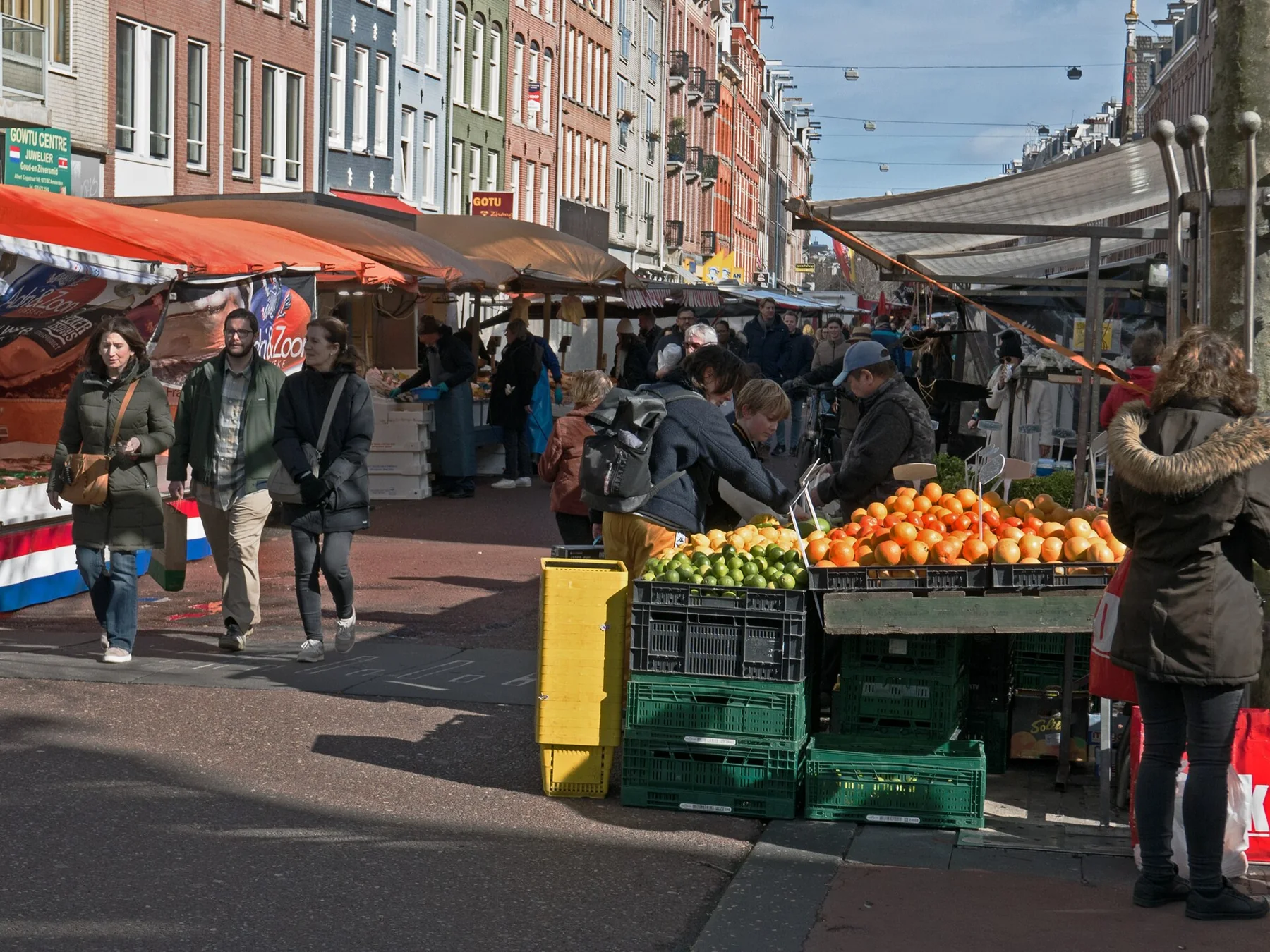
5 x 7 in on Letter 8.5 x 11 in2 copies fit on one sheet · Frames and cards, 13 x 18 cm
Showing a sample photo. Drop yours on the sheet or choose one: it never leaves your device.
In the print dialog set Scale to 100% (Actual size) so the photo prints at exactly 5 x 7 in.
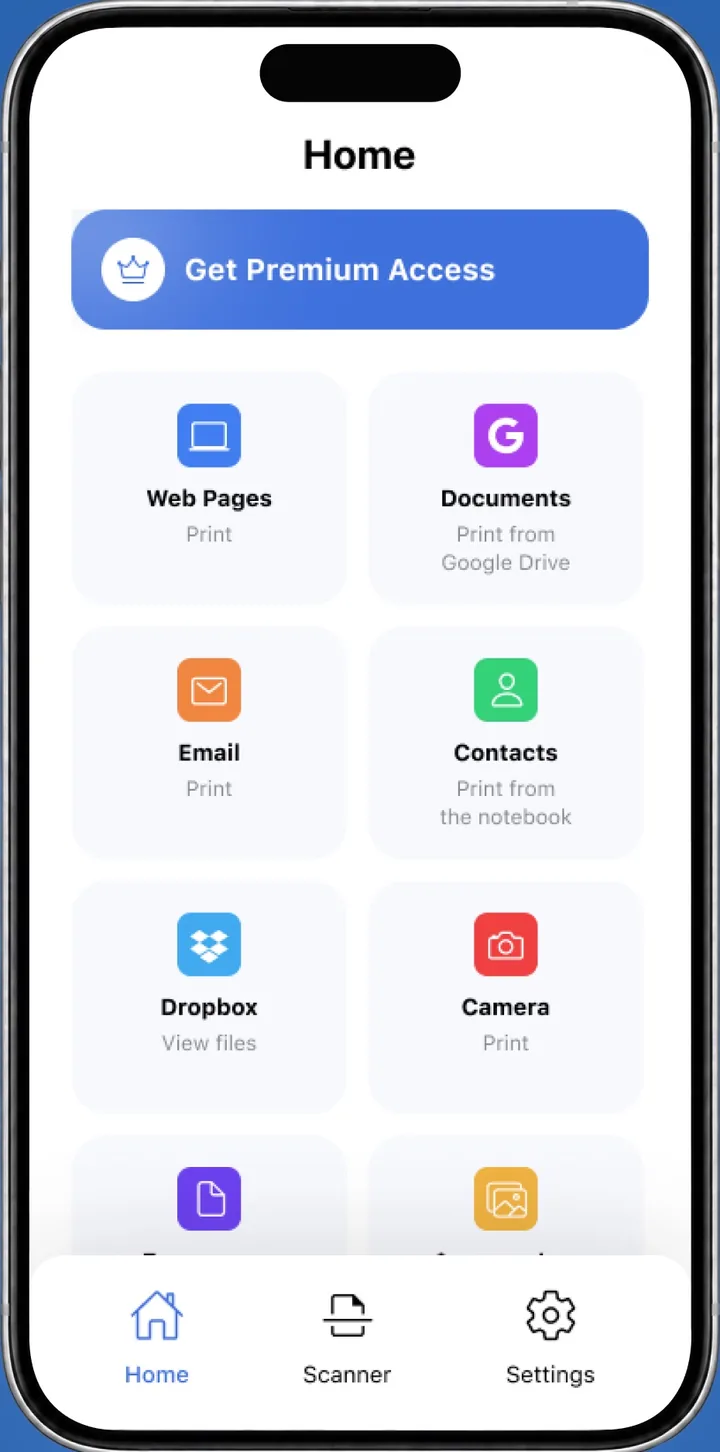
 On your iPhone? Smart Printer prints 5x7 photos with the paper size set in the app.Print 5x7 from iPhone
The 5x7 photo size is 5 x 7 inches, or 12.7 x 17.8 cm, which is 1500 x 2100 pixels at 300 dpi. To print it at exact size from an iPhone, choose 5x7 in Smart Printer. The 5:7 shape is close to a 4:3 phone photo, so Fill in the tool above trims only a thin strip.
5x7 in inches, centimeters and pixels
You need at least 1500 x 2100 px for a sharp print at 300 dpi.
| Unit | Width x height |
|---|---|
| Inches | 5 x 7 in |
| Centimeters | 12.7 x 17.8 cm |
| Millimeters | 127 x 177.8 mm |
| Pixels at 300 dpi | 1500 x 2100 px |
| Pixels at 600 dpi | 3000 x 4200 px |
| Proportion | 5:7 |
Crop a photo to 5:7
A 5x7 print is 5:7, about 0.71. An upright 4:3 photo is 3:4, or 0.75, so the crop is small.
In Photos, tap Edit, then the Crop button. Tap the aspect ratio button and choose 5:7, as Apple shows in Crop, rotate, flip or straighten photos, or pick Fill in the tool above for a centered crop.
Print 5x7 at home on Letter
Two 5x7 prints fit on a Letter sheet (8.5 x 11 in) when they're turned sideways.
- Choose 5 x 7 in under Photo size and Letter under Paper.
- Pick Fill or Fit whole photo, then Fill sheet for two copies or One copy.
- Turn on Cut lines if you print on plain paper.
- Press Print at 5 x 7 in, keep Scale at 100% and trim to the lines.
Print on 5x7 photo paper
Load 5x7 paper in the photo tray or rear slot, following your printer's manual for which side faces up. In the print dialog, choose 5x7 as the paper size and a photo paper type. Check that your printer lists 5x7 before you buy a pack.
Print 5x7 from an iPhone
Smart Printer lists 5x7 among its paper sizes, next to 4x6 and square. Choose the photo, pick 5x7 and the number of copies, then print. The app finds your printer on Wi-Fi, so there are no drivers to install. Apple explains AirPrint on iPhone and iPad.
Questions about 5x7 prints
What frame fits the 5x7 photo size?
A 5x7 frame, which holds a print of exactly 5 x 7 inches (12.7 x 17.8 cm). Larger frames with a 5x7 mat opening also work.
How many pixels does the 5x7 photo size need?
1500 x 2100 pixels for a sharp print at 300 dpi. Photos from current phones are well above that.
Is the 5x7 photo size the same shape as 4x6?
The shapes differ: 5x7 is 5:7 and 4x6 is 2:3. A photo cropped for one needs a new crop for the other.
Can I print at the 5x7 photo size from my iPhone?
Yes. Choose 5x7 as the paper size in Smart Printer, or open this page in Safari and use the tool above.
What is 5x7 in inches and centimeters?
5 x 7 inches, which is 12.7 x 17.8 cm.
How many 5x7 photo size prints fit on a Letter sheet?
Two, turned sideways. Letter is 8.5 x 11 in.
Print 5x7 photos from your iPhone
Choose the photo, pick 5x7 and print. Smart Printer finds your printer and sets the paper size.
4.0500 ratings on the App Store