Smart Printer
Printer Test Page
Print a free test page from your browser to check color, black ink, nozzles and alignment. Pick a page and paper size, then press Print test page.
Updated
Color test pageInks, gradients, grays, lines and text on one sheet
In the print dialog keep Scale at 100% and Margins at Default or None.
A printer test page is a sheet of color bars, gray steps, fine lines and text that shows whether your printer prints correctly. Pick 1 of 11 pages above, press Print test page and keep Scale at 100%. Faded bars, gaps in the lines or a missing color point to the ink or nozzle that needs attention.
Did it print right?
Looks good
Colors are solid, lines are sharp and the small text is readable. Your printer is ready for the real job.
How to print a test page
Every page above prints straight from this browser tab. Nothing is uploaded and you don't need to sign up.
- Pick a page. Start with the color test page for an inkjet printer, or black and white for a laser printer.
- Choose the paper size: Letter in the US and Canada, A4 almost everywhere else, Legal for long sheets.
- Press Print test page. Your browser opens its print dialog.
- Select your printer, keep Scale at 100% or Default and set Margins to Default or None. Then press Print.
- Compare the printed sheet with the preview on this page.
A quick test print before a big job or after a new cartridge saves paper and ink. If the sheet looks wrong, the result tabs above name the likely cause and the fix.
Print a test page from Windows, Mac, Chromebook and phones
Printers have a built-in test page too, and Windows and macOS can send one. These are the usual ways to reach it.
- Windows 11Start > Settings > Bluetooth & devices > Printers & scanners. Select your printer, then Printer properties, and on the General tab select Print Test Page. Microsoft covers the same step in Fix poor print quality in Windows.
- MacOpen Print Center from Applications > Utilities, select the printer in the sidebar and choose Printer > Print Test Page. Or press Command+P on this page. Apple's guide: Print documents on your Mac.
- ChromebookOpen this page in Chrome, choose a test page and press Print test page or Ctrl+P. How to print from a Chromebook.
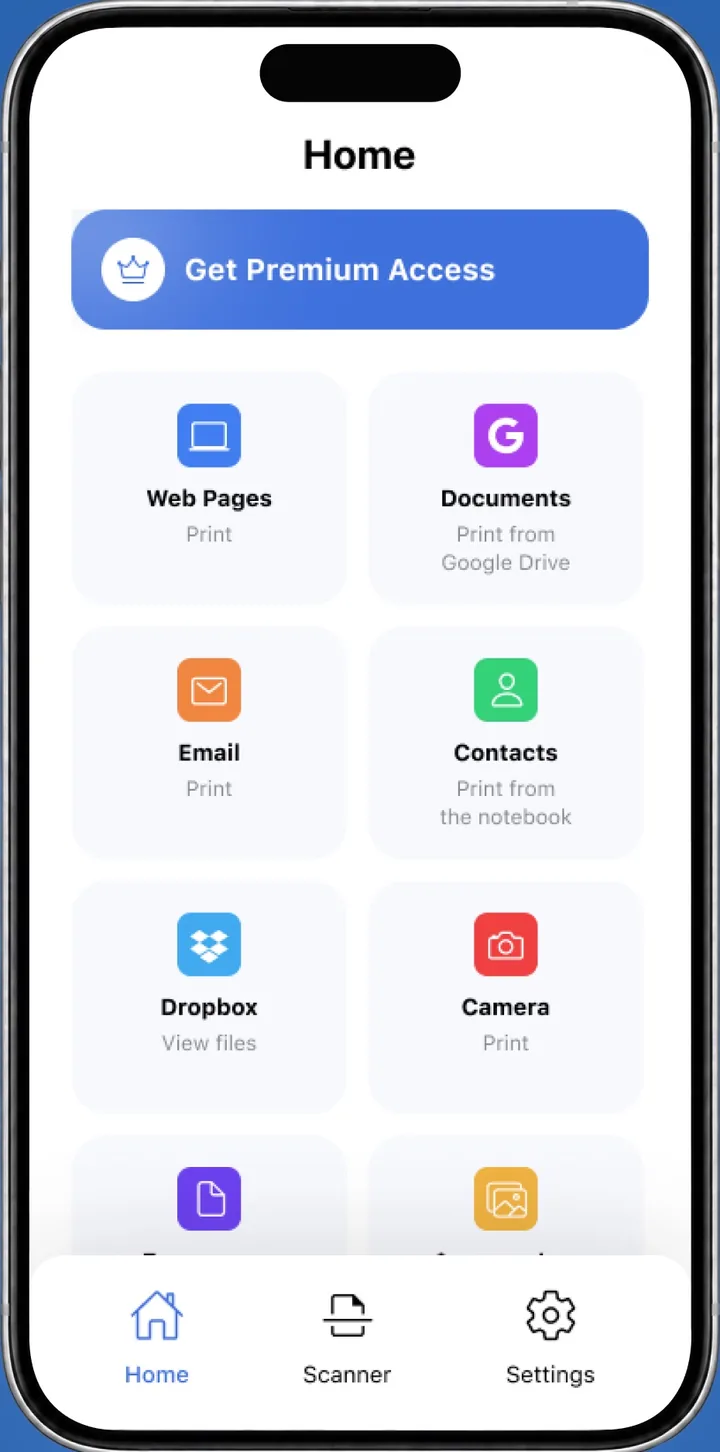
- iPhone and iPadOpen this page in Safari and press Print test page, or print a test page from the Smart Printer app in one tap. Apple explains AirPrint on iPhone and iPad.
- AndroidOpen this page in Chrome and press Print test page, then pick your printer in the Android print screen.
- The printer itselfMost printers print a status or configuration page from the control panel, usually under Setup, Reports or Maintenance.
Which test page should I print?
Each page checks something different. These are the ones most people need.
| Page | What it checks |
|---|---|
| Color test page | All inks, gradients, gray steps, fine lines and text on one sheet. The best first test for an inkjet. |
| Black and white | Gray steps from 0 to 100%, solid black and line weights. Use it for laser printers and the black cartridge. |
| CMYK | Cyan, magenta, yellow and black on their own, from 100% down to 10%. Shows which cartridge is weak. |
| Nozzle check | Rows of fine lines for each ink. Gaps mean clogged nozzles. |
| Alignment and scale | A 6 inch ruler, a 1/4 inch grid and straight lines. Shows misalignment and wrong print scale. |
| Gradients | Smooth color ramps across the page. Visible stripes mean banding. |
| Text | Font sizes from 4 pt in serif, sans and mono. Checks sharpness for documents. |
| Photo | Real photos to judge skin tones, shadows and highlights. |
| Margins | Frames at the edge, 1/8, 1/4 and 1/2 inch. Shows where your printer starts printing. |
| Solid colors | Big blocks of each ink. Uses a lot of ink, so print it only to clear dried nozzles. |
Printer test page PDF
Every page also comes as a printer test page PDF in Letter, A4 and Legal. Pick the page and paper above, then press Download PDF. When you print the file, choose Actual size or 100% so the rulers and margins stay exact.
Black and white test page for laser printers
A black and white test page is drawn in pure black and grays. That makes it the right check for a mono laser printer and for the black cartridge of an inkjet.
Look at the gray steps: each one should be a little darker than the last. Fading on one side usually means low toner, and marks that repeat down the page point to the drum or fuser.
How to read your test page
| What you see | Likely cause | What to do |
|---|---|---|
| Faded or pale colors | Low ink or toner | Check ink levels and replace the low cartridge. |
| White lines across color bars | Clogged nozzles | Run head cleaning, then print the nozzle check. |
| One color missing | Empty or blocked cartridge | Replace or clean that cartridge, print the CMYK page. |
| Jagged or doubled lines | Print head out of alignment | Run print head alignment from the printer menu. |
| Stripes in smooth gradients | Banding from nozzles or speed | Clean the head and use a higher quality setting. |
| Rulers shorter than marked | Scale below 100% | Set Scale to 100% or Actual size in the print dialog. |
| Blank sheet | No ink reaches the paper | See printer printing blank pages. |
Printer test page questions
Is there a printer test page PDF I can download?
Yes. Pick any of the 11 pages and a paper size on this page, then press Download PDF. Print the file at 100% or Actual size.
How often should I do a test print?
Before an important job, after you install a new cartridge, and about once a week if you rarely print. Regular printing keeps inkjet nozzles from drying out.
Does a black and white test page use color ink?
It is drawn in pure black and grays, so most printers use only the black cartridge. Some inkjets mix colors into dark grays unless you choose Grayscale or Black and white in the print dialog.
Why does the test page print but my documents don't?
The printer itself works, so the problem is on the computer or phone. The wrong printer may be selected, the print queue may be stuck or the device lost the printer on Wi-Fi.
Which paper should I use for a test print?
Plain Letter or A4 paper works for every page. Save photo paper for the Photo page, when you want to judge how your pictures will look.
How do I print a test page from a Mac?
Open Print Center from Applications > Utilities, select the printer in the sidebar and choose Printer > Print Test Page. Or press Command+P on this page.
What is a test print for a printer?
A sheet of color bars, gray steps, fine lines and text. You print it to check ink, nozzles, alignment and scale before a real job.
Test your printer from your phone
Smart Printer prints a test page in one tap and walks you through the fix when something looks wrong.
4.0500 ratings on the App Store