Printable Invoice Template: Free and Editable
Fill in this free invoice template, watch the preview update as you type, then print it or save a PDF. Your draft stays in this browser.
Updated
| Description | Qty | Rate | Amount |
|---|---|---|---|
| Service or product description | 1 | $250.00 | $250.00 |
| Second line item | 2 | $75.00 | $150.00 |
- Subtotal
- $400.00
- Total due
- $400.00
Preview at real size. Save as PDF from the print dialog.
Everything stays in this browser. To get a PDF, choose Save as PDF as the printer.
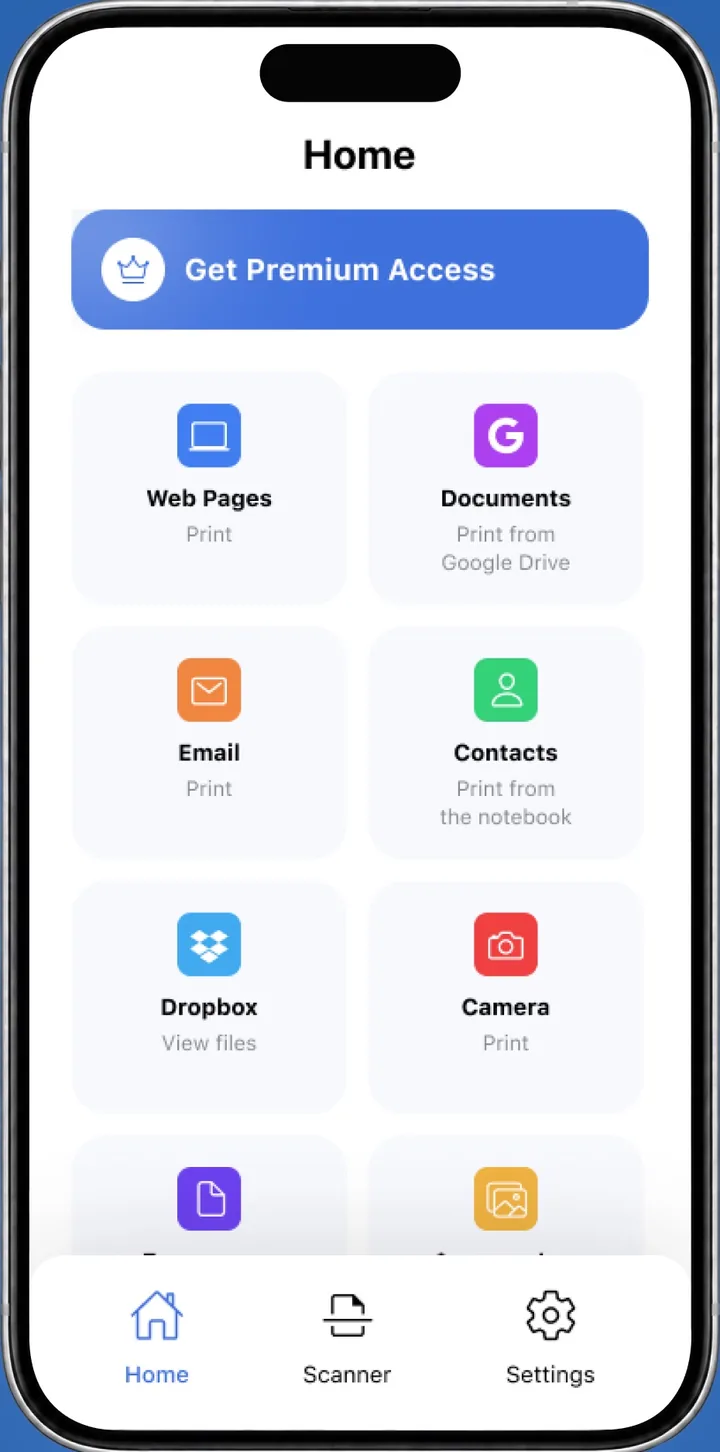
 On your iPhone? Save the invoice as a PDF, then print it with the Smart Printer app.Print the PDF from iPhone
A printable invoice template is a ready layout with your details, the client's details, an invoice number, line items, tax and the total due. Fill in the fields above, pick 1 of 3 styles and press Print invoice. To get a file, choose Save as PDF in the print dialog. Choose Letter (8.5 x 11 in) or A4 first.
How to fill in this free invoice template
The form above has a live preview. Change a field and the sheet updates at once.
- Pick a style: Classic, Modern or Minimal. Choose an accent color and Letter or A4.
- Fill in From with your business name, address, email and phone. Press Add a logo if you have one.
- Fill in Bill to with your client's name and address.
- Set the invoice number, date and due date. Add a PO number if the client gave you one.
- Add items with a description, quantity and price. Then enter tax, discount and shipping if they apply.
- Press Print invoice, or choose Save as PDF in the print dialog.
Press Start over to reset the form for a new invoice.
Invoice format: what to include
Clients and bookkeepers look for the same core fields, whatever the business. Any generic invoice template should carry these:
- Your business name, address and contact details.
- The client's name and address.
- A unique invoice number.
- The issue date and the due date.
- One line per item or hour: description, quantity, price and line total.
- Subtotal, tax, discount, shipping and the total due.
- Payment terms such as Net 30, and how the client can pay you.
How to choose an invoice number
An invoice number is a unique reference for one invoice. You and your client use it to match a payment, a question or a reminder to the right bill.
The form starts at INV-0001. Many businesses count up from a starting point, such as 1001, 1002, 1003, or add the year, as in 2026-014. Pick one pattern, keep it and never reuse a number.
Invoice template free download (PDF or .docx)
Press Print invoice, then pick the PDF option in your print dialog. You get a free invoice template PDF with your details already filled in.
In Chrome, choose Save as PDF as the destination. On a Mac, open the PDF menu and choose Save as PDF, as Apple describes in Print documents on your Mac. On Windows, pick Microsoft Print to PDF as the printer.
To edit in Word or Google Docs instead, get the .docx file, a free invoice template download with the same core fields. Google explains how Docs opens Office files. The Google Docs invoice template page shows how to open it in Docs.
Simple, sample and sales invoices
The Minimal style works as a simple invoice template: one accent color, plain rules and room for notes. Classic and Modern add more structure for longer invoices.
Each field starts with example text, so the form doubles as a sample invoice template: type over it with your own details. To use it as a sales invoice template, list each product with its quantity and price, then add tax and shipping. For a service billing invoice, add one line per task or hour.
Print an invoice from your iPhone
Save the invoice as a PDF to Files, then open it in the Smart Printer app to print it on your printer. Smart Printer finds the printer on your Wi-Fi, so you don't install drivers. It also prints PDFs from Google Drive and Dropbox, and the Smart Printer app is free to download.
Invoice template questions
What is an invoice number?
A unique reference that identifies one invoice, usually a running number like 1001 or a year-based one like 2026-014. It helps you and your client match payments to bills.
Is this simple invoice template free to use?
Yes. Fill it in, print it and save the PDF as often as you like. There is no sign-up, and your draft stays in this browser.
Is there a free editable invoice template for Word?
Yes. The .docx download on this page opens in Word and Google Docs, with the same core fields as the online form.
Can I add my logo to this invoice template?
Yes. Press Add a logo to place it on the invoice. You can also set the currency under Invoice details.
What should an invoice format include?
Your business details, the client's details, a unique invoice number, the issue and due dates, line items, tax and the total due. Add payment terms such as Net 30.
How do I make a printable invoice template into a PDF?
Press Print invoice and choose Save as PDF as the printer in the print dialog. Pick Letter or A4 first.
Print your invoice from your phone
Smart Printer prints PDFs and files from your iPhone to the printer on your Wi-Fi, with no drivers to install.
4.0500 ratings on the App Store